










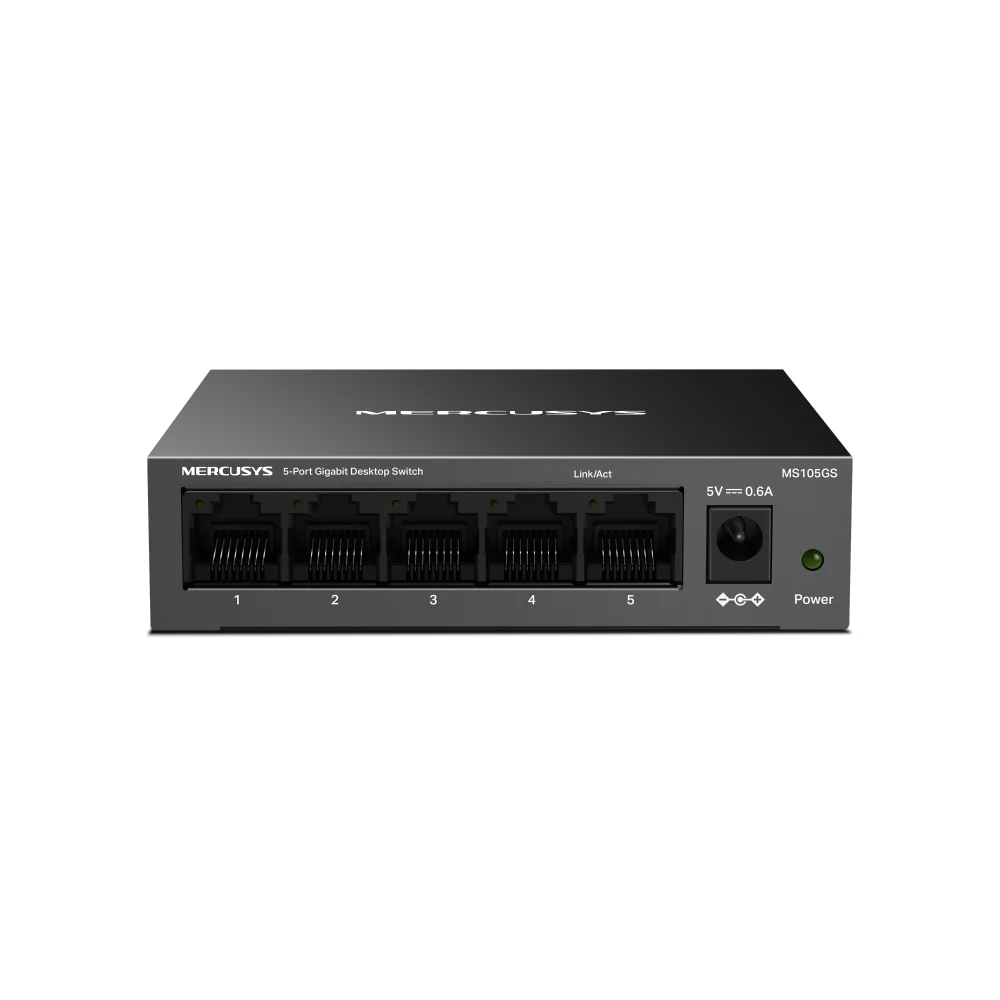

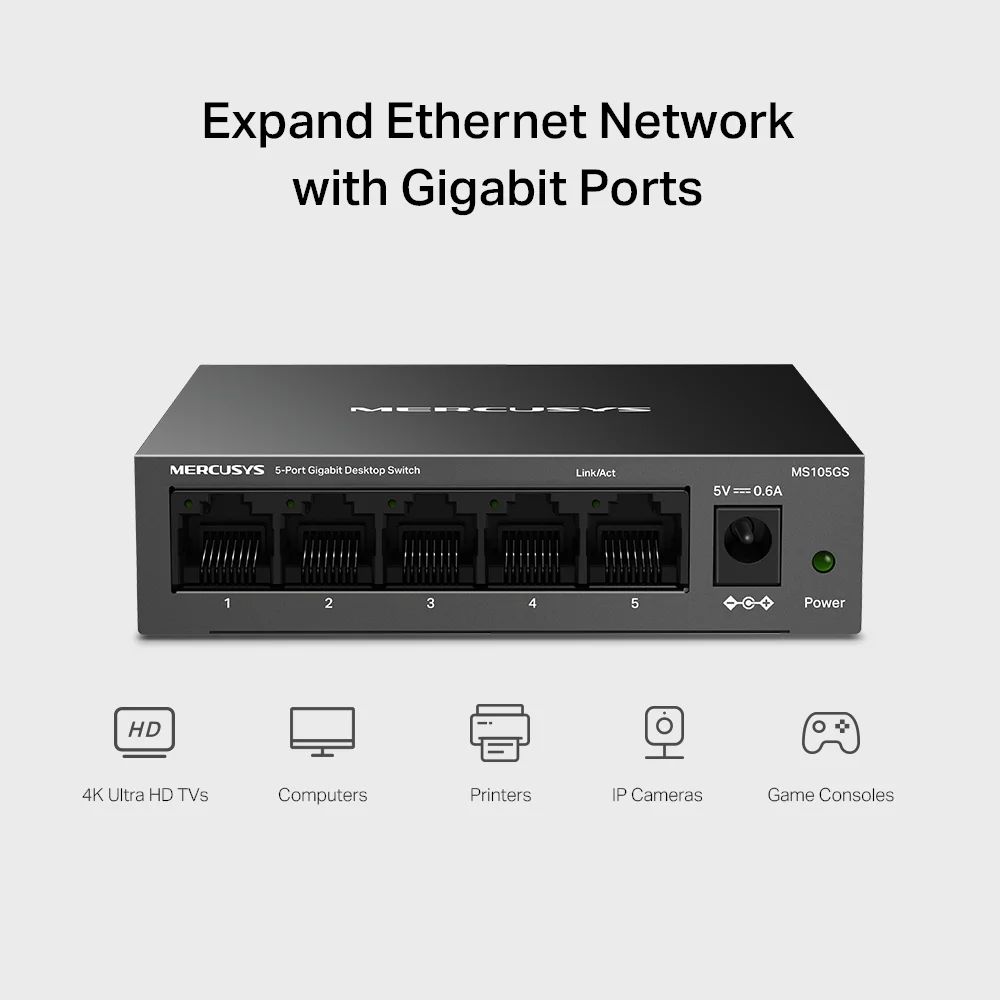
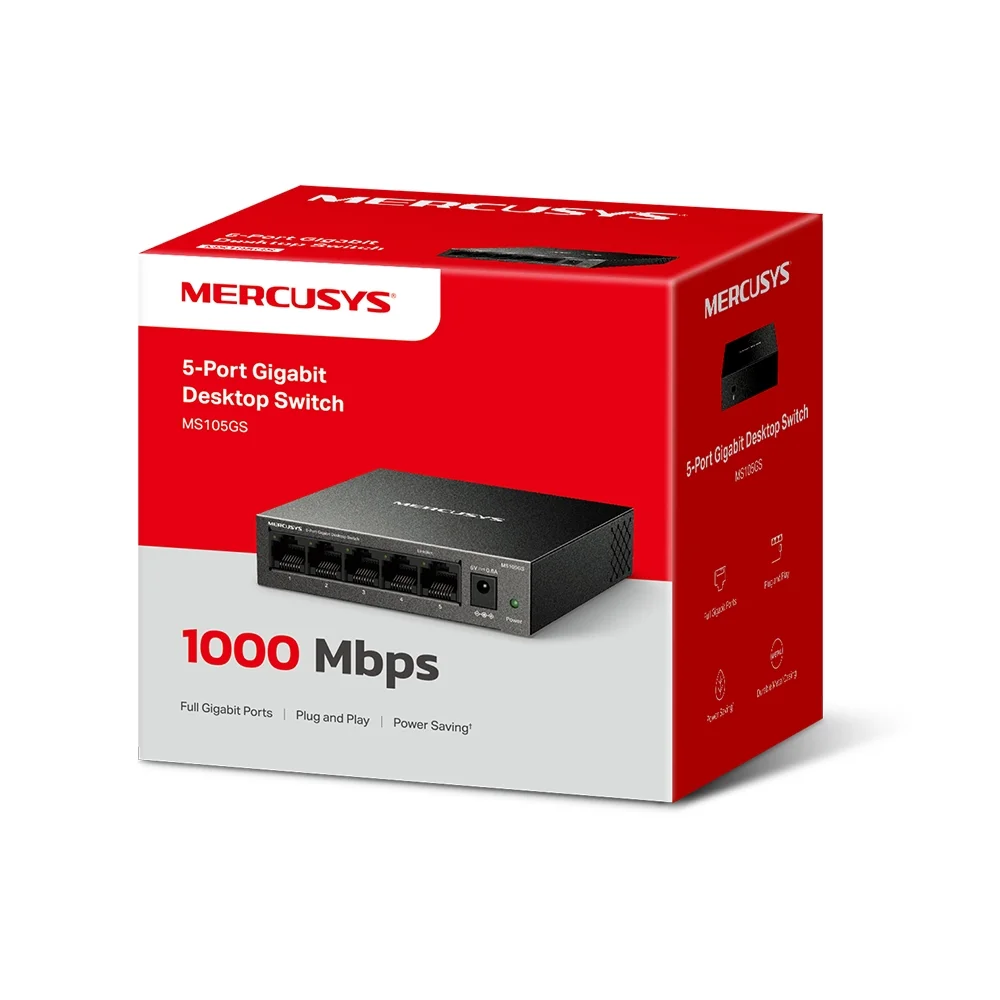



MERCUSYS MS105GS 5-Port Gigabit Desktop Switch is an unmanaged network switch designed to expand the number of wired Ethernet connections available on a home, small-office, or similar network. It features five 10/100/1000 Mbps Gigabit RJ45 ports, allowing compatible devices to connect to the same wired network without requiring software configuration.
The MS105GS uses a plug-and-play design, so users can connect Ethernet cables and expand their wired network without configuring the switch. It supports Auto-Negotiation and Auto MDI/MDIX, allowing the ports to automatically detect compatible connection speeds and cable types.
Its 10 Gbps switching capacity, store-and-forward transmission, and 802.3x flow control provide the underlying hardware capabilities for Gigabit Ethernet networking. The switch also supports IEEE 802.1p/DSCP QoS and IGMP Snooping V1/V2/V3 according to the current MERCUSYS V2 specifications.
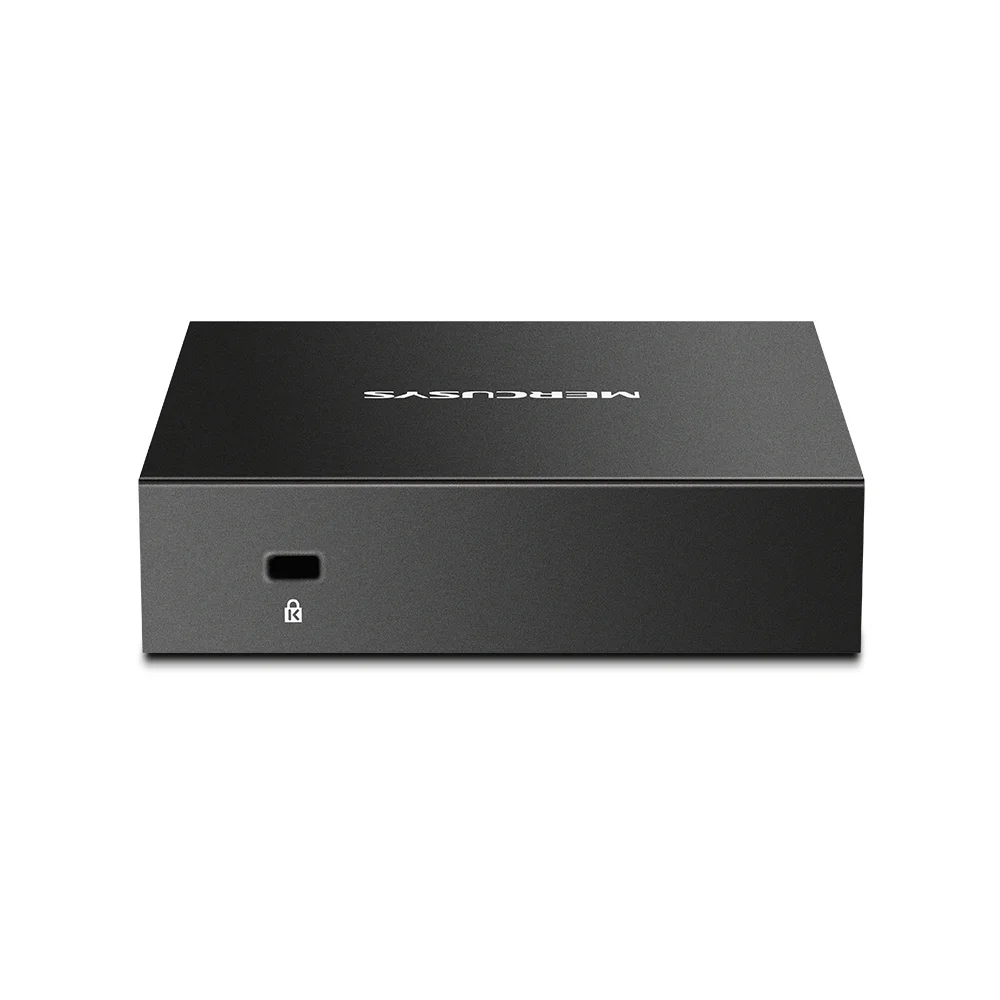
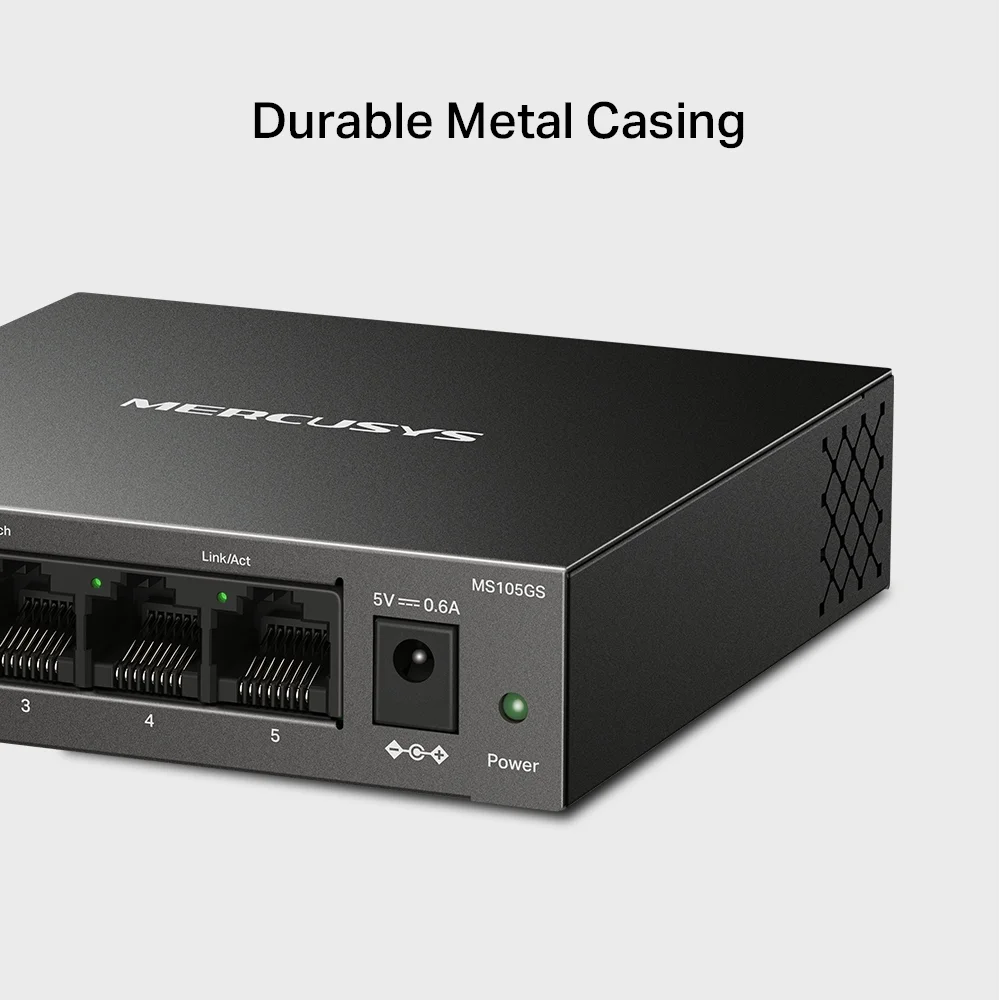
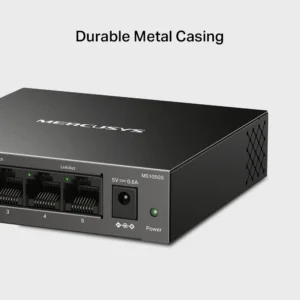
The MS105GS features a durable metal enclosure, fanless operation, and desktop or wall-mount installation, making it suitable for compact networking setups where silent operation is preferred. Its Green Ethernet technology can adjust power consumption according to link status and cable length.
Key Features
- 5× 10/100/1000 Mbps Gigabit RJ45 ports
- Unmanaged, plug-and-play operation
- Up to 10 Gbps switching capacity
- Auto-Negotiation
- Auto MDI/MDIX
- IEEE 802.3x Flow Control
- Store-and-forward transmission
- 802.1p/DSCP QoS
- IGMP Snooping V1/V2/V3
- Green Ethernet power-saving technology
- Fanless silent operation
- Durable metal casing
- Desktop or wall-mount installation
- Supports computers, printers, IP cameras, smart TVs, game consoles, and other Ethernet devices
Buyer Use Case
Best For: Homes, small offices, dormitories, and workspaces that need to connect multiple wired devices to an existing router or network while upgrading to Gigabit Ethernet.
The MS105GS is suitable when you need additional wired ports for devices such as desktop PCs, smart TVs, game consoles, printers, IP cameras, or network storage, without the complexity of a managed switch.
Specifications
Brand: MERCUSYS
Model: MS105GS
Product Type: 5-Port Gigabit Desktop Switch
Switch Type: Unmanaged
Interfaces: 5× 10/100/1000 Mbps RJ45 Ports
Standards: IEEE 802.3, 802.3u, 802.3x, 802.1p
Data Rates: 10/100/1000 Mbps
Switching Capacity: 10 Gbps
Buffer Capacity: 1 Mbit
Jumbo Frame: 9 KB
MAC Address Table: 2K entries with auto-learning and auto-aging
Forwarding Method: Store and Forward
Auto-Negotiation: Supported
Auto MDI/MDIX: Supported
Flow Control: IEEE 802.3x
QoS: IEEE 802.1p/DSCP
IGMP Snooping: V1/V2/V3
Cooling: Fanless
Installation: Desktop / Wall Mount
LED Indicators: Power, Link/Act
External Power Supply: 5V/0.6A
Maximum Power Consumption: 3.614W
Dimensions: 99.8 × 98 × 25.1 mm
Operating Temperature: 0°C–40°C
Operating Humidity: 10%–90% RH, non-condensing
Storage Temperature: -40°C–70°C
Storage Humidity: 5%–95% RH, non-condensing
Certifications: CE, RoHS
Package Contents: MS105GS 5-Port Gigabit Desktop Switch, Power Adapter, Quick Installation Guide
Important Speed Limitation
Speed Limitation: The MS105GS supports Gigabit Ethernet link speeds of up to 1000 Mbps per port, but the actual data-transfer speed depends on the connected devices, Ethernet cables, network traffic, and other network conditions.
The advertised 10 Gbps switching capacity represents the switch’s aggregate switching capacity across its ports; it does not mean that a single device or single Ethernet connection can transfer data at 10 Gbps.
For Gigabit Ethernet operation, MERCUSYS specifies Cat5e or better cabling for 1000BASE-T connections, with a maximum cable length of 100 meters under the specified conditions. ([turn405431search12])
Compatibility
The MERCUSYS MS105GS is compatible with Ethernet devices supporting 10/100/1000 Mbps connections.
Compatible devices include:
- Desktop computers
- Laptops with Ethernet ports
- Smart TVs
- Game consoles
- Printers
- IP cameras
- Network storage devices
- Wi-Fi routers and access points
The switch can be connected to an existing router or network to provide additional wired Ethernet ports. It requires no software installation or switch configuration for normal operation.
Be the first to review “MERCUSYS MS105GS 5-Port Gigabit Desktop Switch”
You must be logged in to post a review.
Related products






Reviews
There are no reviews yet.