


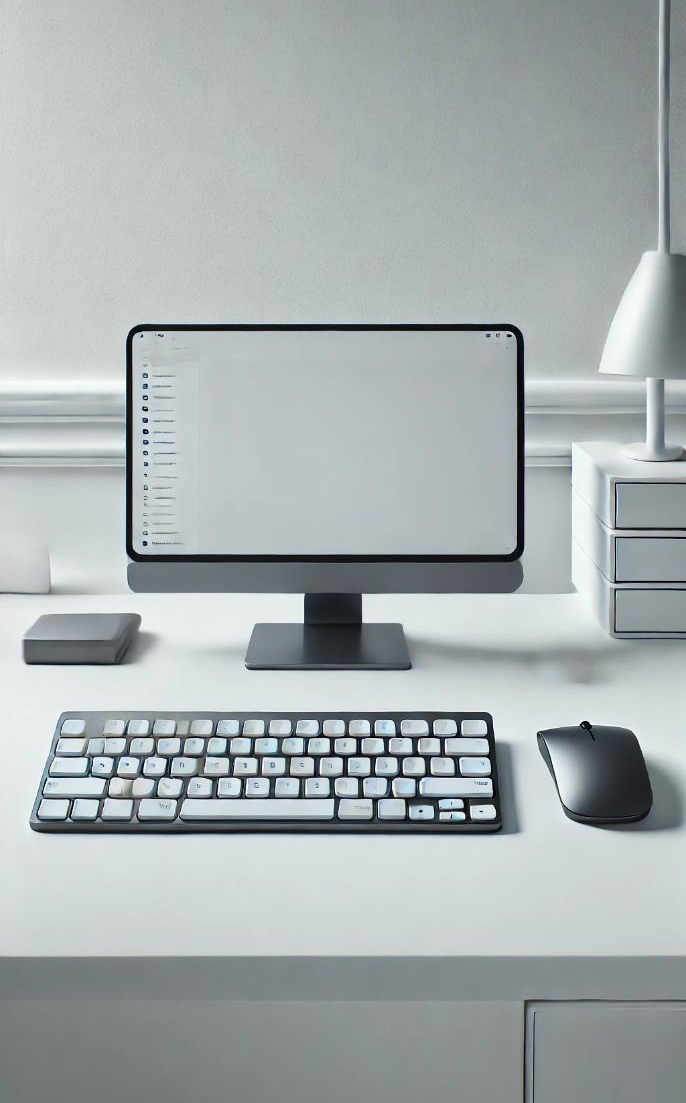




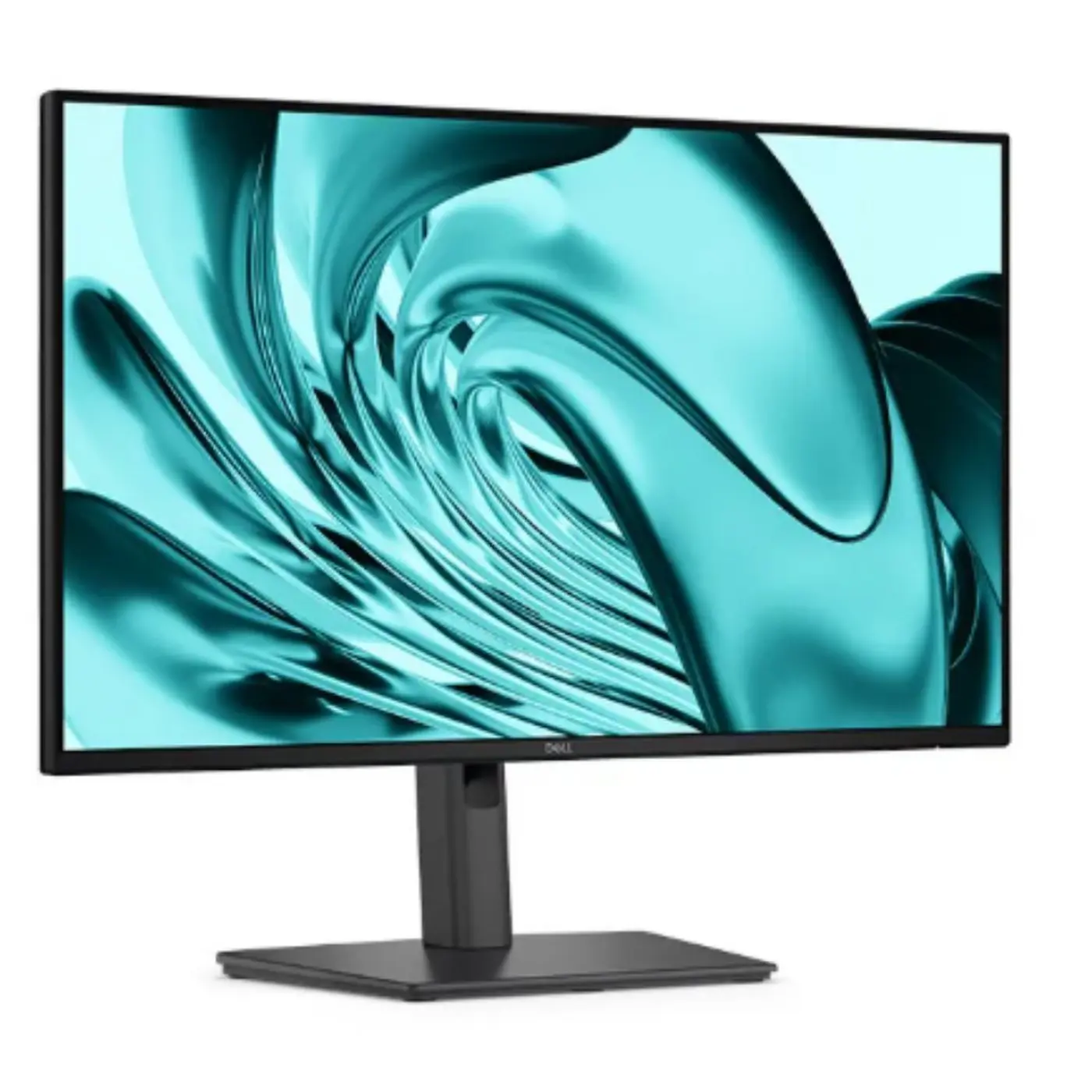
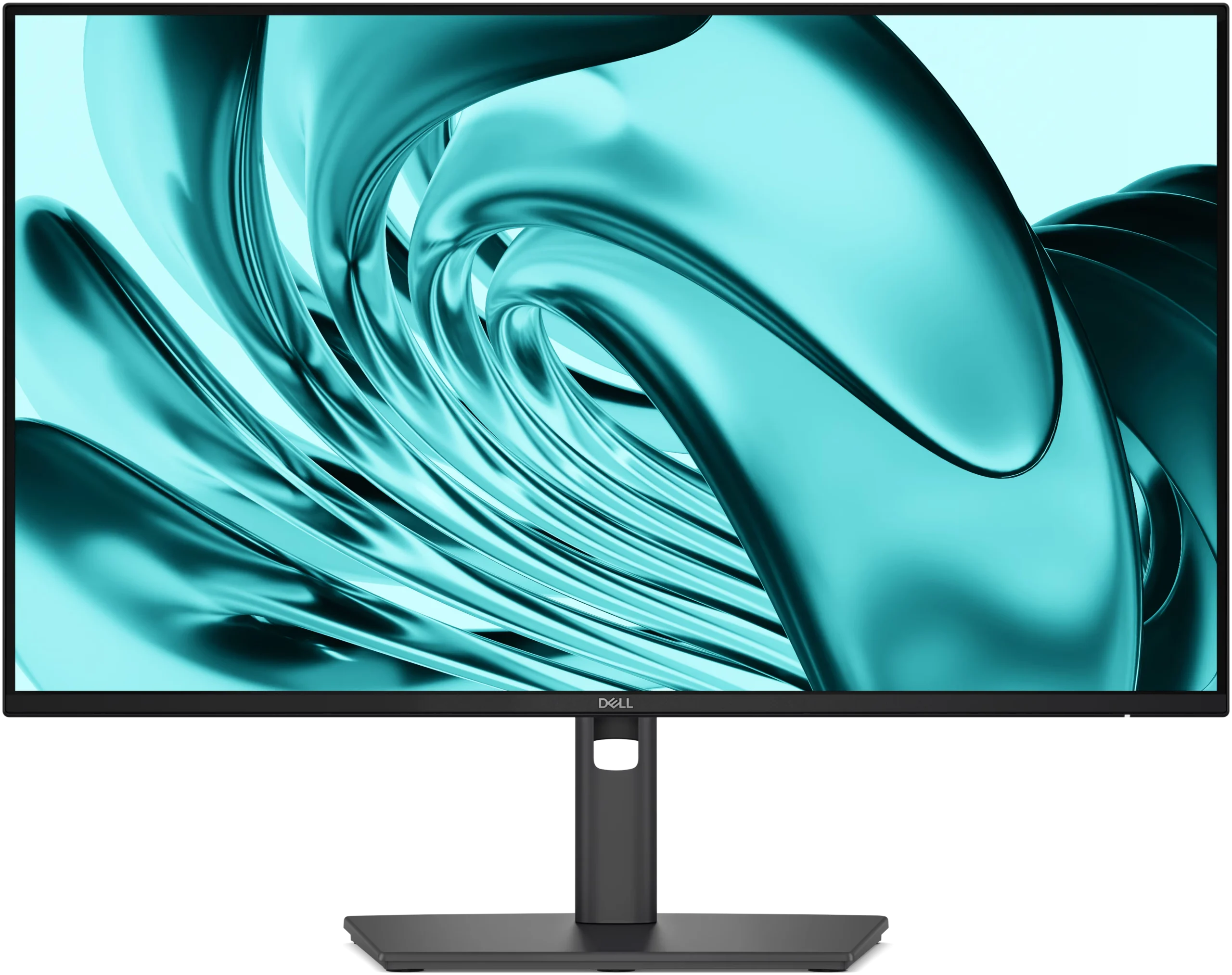
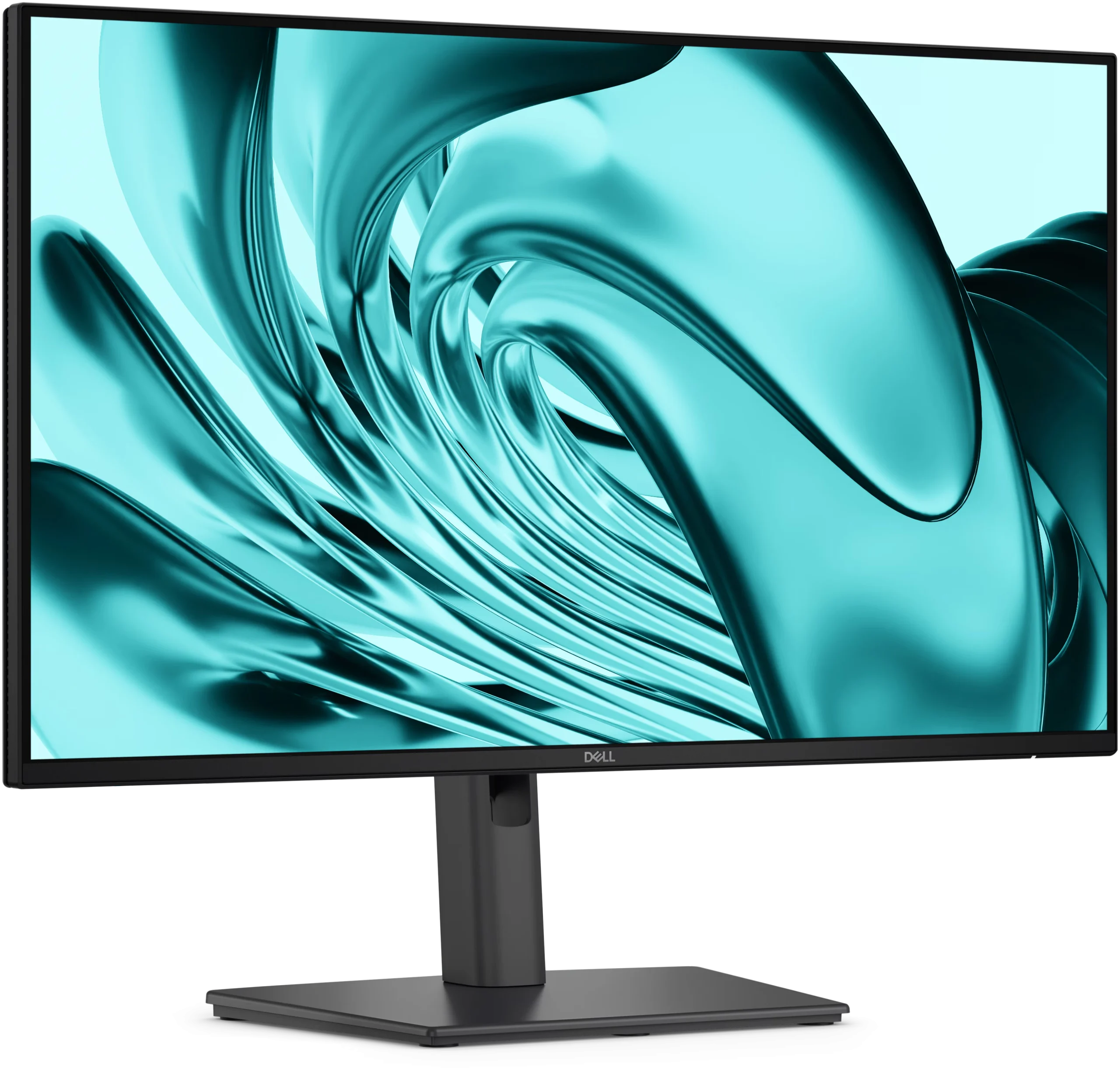
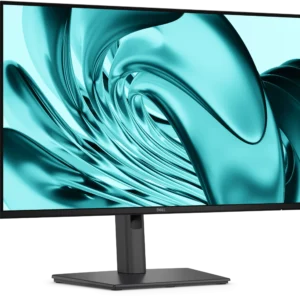
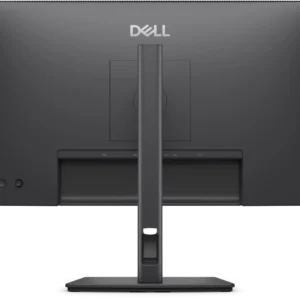
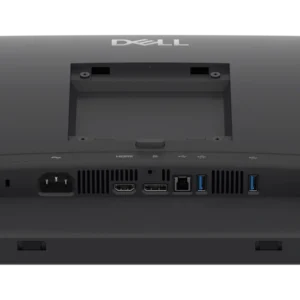
DELL PRO PLUS P2426H 120Hz 23.8-inch Full HD Monitor
8,399 EGP
The Dell Pro P P2426H 23.8-Inch Full HD IPS Monitor delivers smooth visuals with a 120Hz refresh rate, 1920 × 1080 resolution, and 99% sRGB color coverage. Featuring TÜV Rheinland 4-Star Eye Comfort certification, 300-nit brightness, a built-in USB hub with USB-A and USB-C ports, and a fully adjustable ergonomic stand, it is an excellent choice for professional workstations, office productivity, and everyday computing.
In stock
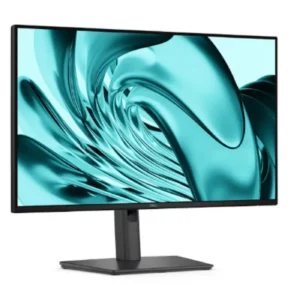
Dell Pro P2426H 23.8-Inch Full HD Monitor is a professional productivity display designed for business environments, office work, and everyday computing. Featuring a 1920 × 1080 Full HD resolution and a 120Hz refresh rate, it delivers clear visuals and smoother on-screen movement for multitasking, document editing, browsing, and multimedia.
Built around an IPS panel with 99% sRGB color coverage and a 1500:1 contrast ratio, the P2426H provides consistent colors and wide viewing angles. Its 300-nit brightness and TÜV Rheinland 4-star eye comfort certification support comfortable extended use.
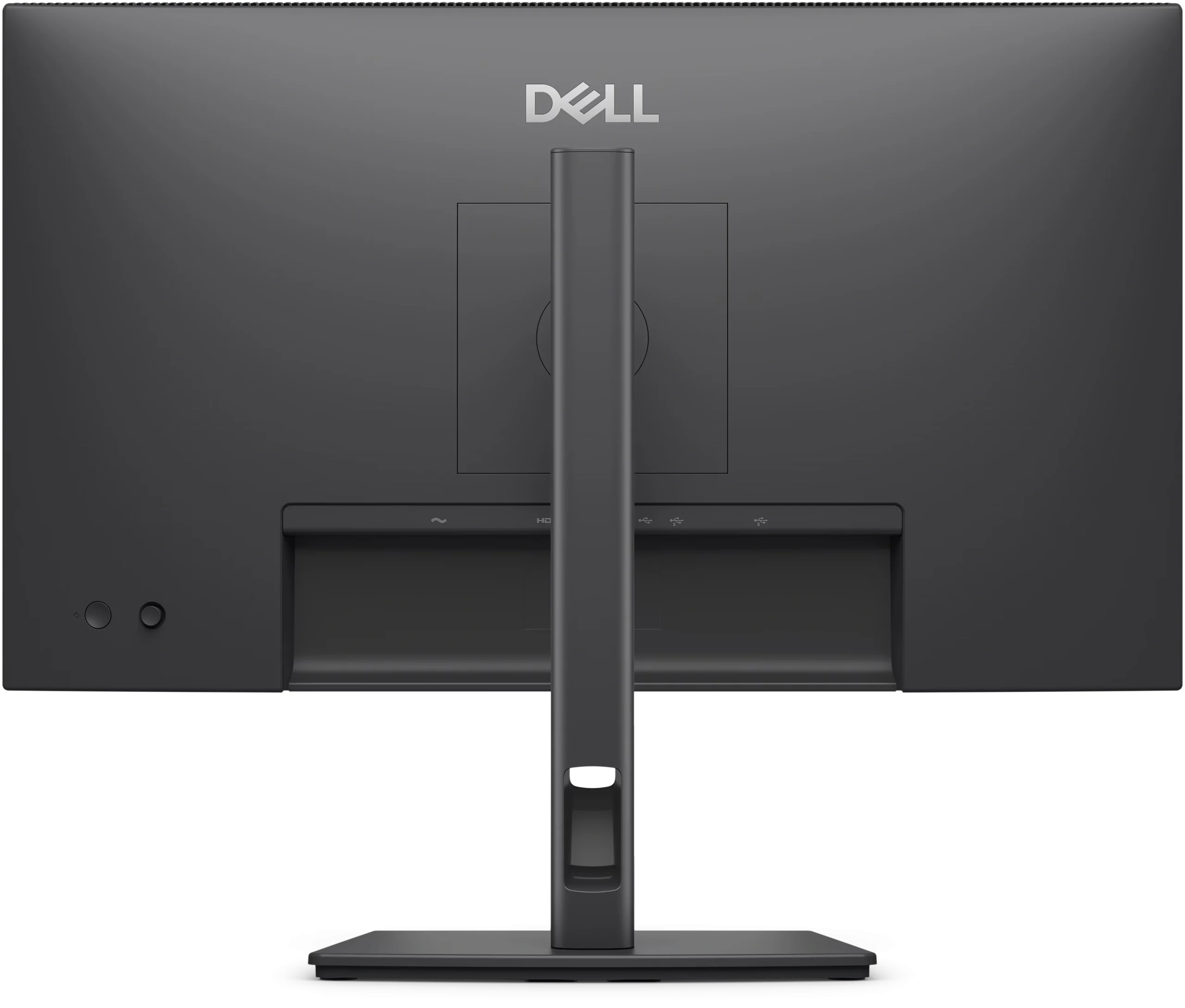
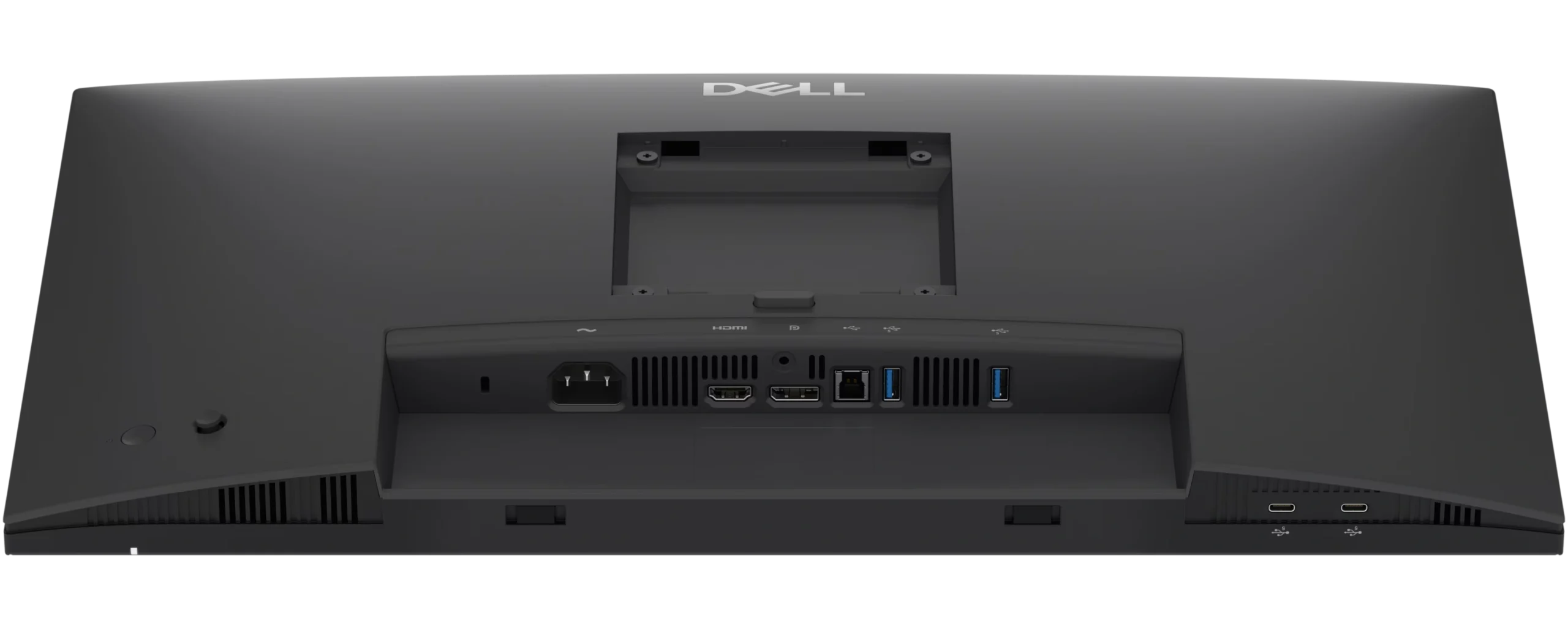
One of its key advantages is its versatile connectivity. Alongside HDMI 1.4 and DisplayPort 1.4 inputs, it includes a USB hub with USB-A and USB-C downstream ports, helping users connect compatible peripherals directly to the monitor. Its fully adjustable ergonomic stand supports height adjustment, tilt, swivel, and pivot, making it a practical choice for professional workstations.
Key Features
- 23.8-Inch IPS Display: Offers a spacious viewing area with consistent colors and wide viewing angles.
- Full HD Resolution: Provides clear images at 1920 × 1080 pixels with a 16:9 aspect ratio.
- 120Hz Refresh Rate: Delivers smoother motion for scrolling, multitasking, video playback, and everyday gaming.
- IPS Panel Technology: Maintains consistent image quality and color reproduction from different viewing positions.
- 99% sRGB Color Coverage: Reproduces a broad range of colors for professional office work and everyday creative tasks.
- 300-Nit Brightness: Provides clear visibility in typical indoor working environments.
- 1500:1 Contrast Ratio: Produces defined differences between bright and dark image areas.
- 5ms GTG Response Time: Available in Fast mode, with an 8ms GTG Normal mode option.
- TÜV Rheinland 4-Star Eye Comfort: Certified for eye comfort with hardware-based low blue light technology.
- ComfortView Plus: Helps reduce blue light exposure while maintaining color accuracy.
- Flicker-Free Technology: Helps minimize screen flickering during extended viewing sessions.
- Anti-Glare Screen: Reduces reflections and distracting glare under normal office lighting.
- Versatile USB Hub: Includes two USB-A and two USB-C downstream ports for compatible peripherals and accessories.
- USB-C Charging: The downstream USB-C ports support power delivery up to 15W for compatible connected devices.
- Multiple Display Connections: Includes HDMI 1.4 and DisplayPort 1.4 for convenient computer connectivity.
- Fully Adjustable Ergonomic Stand: Supports height, tilt, swivel, and pivot adjustments.
- Portrait Mode Support: Rotate the display by 90° for coding, document reading, and vertical content.
- 100 × 100mm VESA Mounting: Compatible with supported monitor arms and wall-mount brackets.
- Three-Sided Narrow Bezel: Provides a modern appearance and supports cleaner multi-monitor setups.
- Dell Display and Peripheral Manager: Supports compatible productivity and display-management functions.
- Security Lock Slot: Provides an option for compatible cable-based physical security.
Buyer Use Case
The Dell Pro P2426H is suitable for office professionals, business users, students, developers, and users who need a reliable productivity monitor with versatile connectivity.
For office productivity, its 23.8-inch Full HD IPS panel provides a comfortable workspace for spreadsheets, documents, presentations, video conferences, and everyday multitasking. The 120Hz refresh rate also makes scrolling and general desktop interactions noticeably smoother than conventional 60Hz office displays.
For professional workstations, the integrated USB hub helps connect compatible keyboards, mice, storage devices, and other peripherals without requiring a separate USB hub on the desk.
Its ergonomic stand is particularly useful for users who spend long hours working at a computer. Height adjustment, tilt, swivel, and portrait orientation allow the display to be configured for different seating positions and workflows.
With 99% sRGB coverage and 4-star eye comfort certification, it is also a practical option for users who prioritize comfortable viewing and consistent color reproduction during extended work sessions.
Specifications
- Brand: Dell
- Product Line: Dell Pro P
- Model: P2426H
- Product Type: Professional IPS LCD Monitor
- Color: Dark Gray
- Screen Size: 23.8 inches
- Panel Technology: IPS
- Display Type: Flat Screen
- Resolution: 1920 × 1080 (Full HD)
- Aspect Ratio: 16:9
- Refresh Rate: 120Hz
- Response Time: 5ms GTG (Fast) / 8ms GTG (Normal)
- Brightness: 300 cd/m²
- Contrast Ratio: 1500:1
- Viewing Angles: 178° Horizontal / 178° Vertical
- Pixel Density: 93 PPI
- Pixel Pitch: 0.2745mm × 0.2745mm
- Color Gamut: 99% sRGB / 99% BT.709
- Color Depth: 8-bit (6-bit + FRC)
- Supported Colors: 16.7 Million
- Screen Surface: Anti-Glare, 3H Hard Coating
- Eye Protection: TÜV Rheinland 4-Star Eye Comfort Certification
- Low Blue Light: Hardware-Based ComfortView Plus
- Flicker-Free Technology: Supported
- HDMI: 1 × HDMI 1.4
- DisplayPort: 1 × DisplayPort 1.4
- USB Type-A: 2 × USB 3.2 Gen 1 Downstream (5Gbps)
- USB Type-C: 2 × USB-C 3.2 Gen 1 Downstream (5Gbps), up to 15W charging
- USB Upstream: 1 × USB Type-B
- Integrated USB Hub: Supported
- Built-in Speakers: Not available
- Built-in Webcam: Not available
- Ethernet Port: Not available
- Stand Adjustments: Height, Tilt, Swivel, and Pivot
- Height Adjustment: Up to 150mm
- Tilt Adjustment: -5° to +21°
- Swivel Adjustment: -45° to +45°
- Pivot Adjustment: -90° to +90°
- VESA Mounting: 100 × 100mm
- Bezel Width: 5.8mm (top, left, and right)
- Dimensions Without Stand: 538.64 × 314.23 × 50.03mm
- Dimensions with Stand: 538.64 × 496.53 × 181.75mm (maximum height)
- Weight Without Stand: Approximately 2.96kg
- Weight with Stand and Cables: Approximately 4.87kg
- Operating Power Consumption: Approximately 11.7W
- Maximum Power Consumption: 74W
- Power Input: 100–240V AC, 50/60Hz
- Warranty: 3-Year Limited Warranty, subject to regional terms
Compatibility
The Dell Pro P2426H is designed to work with:
- Windows Computers: Compatible Windows desktop PCs and laptops.
- Mac Computers: Compatible Mac devices with supported HDMI or DisplayPort video output.
- Desktop Workstations: Systems with HDMI 1.4 or DisplayPort 1.4 video connections.
- USB Peripherals: Compatible keyboards, mice, USB storage devices, and accessories through the integrated USB hub.
- USB-C Devices: Compatible accessories requiring downstream USB-C data connectivity or up to 15W charging.
- Gaming Systems: Compatible HDMI-connected gaming devices supporting Full HD output.
- Monitor Arms: Compatible 100 × 100mm VESA mounting systems.
- Multi-Monitor Setups: Suitable for connecting multiple displays through compatible computer graphics outputs.
Compatibility note: The monitor’s USB-C ports are downstream accessory and charging ports, not USB-C video inputs or laptop docking power-delivery inputs. They provide up to 15W charging and do not replace a dedicated USB-C docking monitor. To use the USB hub, connect the monitor’s USB-B upstream port to the computer using a compatible USB cable. Achieving 120Hz requires a compatible computer graphics output and display connection. The monitor does not include built-in speakers or a webcam.
What’s in the Box
- 1 × Dell Pro P2426H 23.8-Inch Monitor
- 1 × Ergonomic Monitor Stand
- 1 × Power Cable
- 1 × DisplayPort to DisplayPort Cable (1.8m)
- 1 × USB Type-A to Type-B Upstream Cable (1.8m)
- 1 × HDMI Cable (included in selected regional packages)
- 1 × QR Card
- Safety, Environmental, and Regulatory Documentation
Frequently Asked Questions
1. Does the Dell P2426H support 120Hz at Full HD resolution?
Yes. The monitor supports 1920 × 1080 Full HD resolution at up to 120Hz through compatible HDMI 1.4 and DisplayPort 1.4 connections.
2. Can the Dell P2426H charge devices through its USB-C ports?
Yes. It features two USB-C downstream ports supporting data transfer up to 5Gbps and charging up to 15W. These are designed for compatible peripherals and smaller connected devices, not high-power laptop charging.
3. Can I rotate the Dell P2426H vertically for coding or document work?
Yes. Its ergonomic stand supports a 90° pivot, allowing you to rotate the display into portrait orientation. It also provides height, tilt, and swivel adjustments for a more comfortable workstation.
Be the first to review “DELL PRO PLUS P2426H 120Hz 23.8-inch Full HD Monitor”
You must be logged in to post a review.
Related products
Conferencing System
Reviews
There are no reviews yet.