










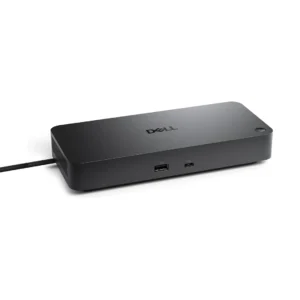
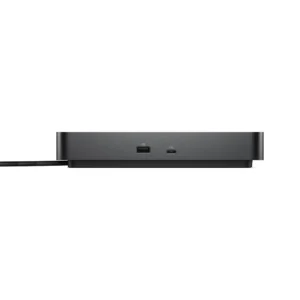
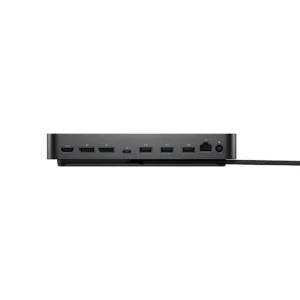
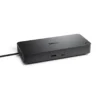
DELL Pro Dock WD25 Docking Station (USB-C with 100W Charging Supports 4 Displays / 2xDP 1.4 / HDMI 2.1 / 6xUSB Ports 2.5GbE Ethernet)

16,500 EGP
Dell WD19S 180W USB-C docking station with 2× DisplayPort 1.4, HDMI 2.0, USB-C DisplayPort, 3× USB-A, 2× USB-C, Gigabit Ethernet, and up to 130W Dell or 90W non-Dell laptop power delivery.
In stock
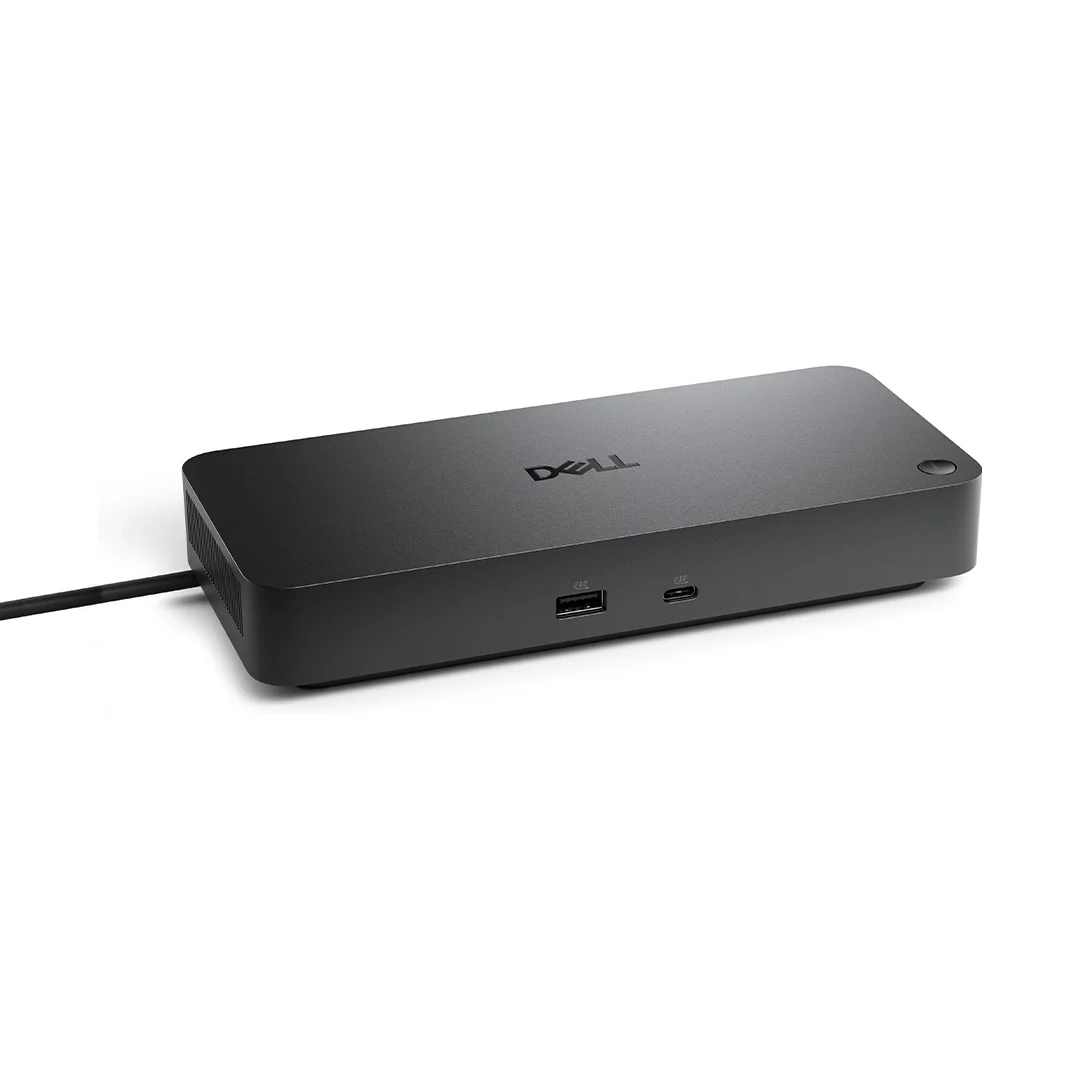
Dell WD19S 180W Laptop Docking Station is a business docking solution designed to expand connectivity for compatible USB-C laptops and workstations. It combines multiple display outputs, USB peripheral connections, Gigabit Ethernet, and laptop power delivery in one compact docking station, helping create a more organized desktop workspace.
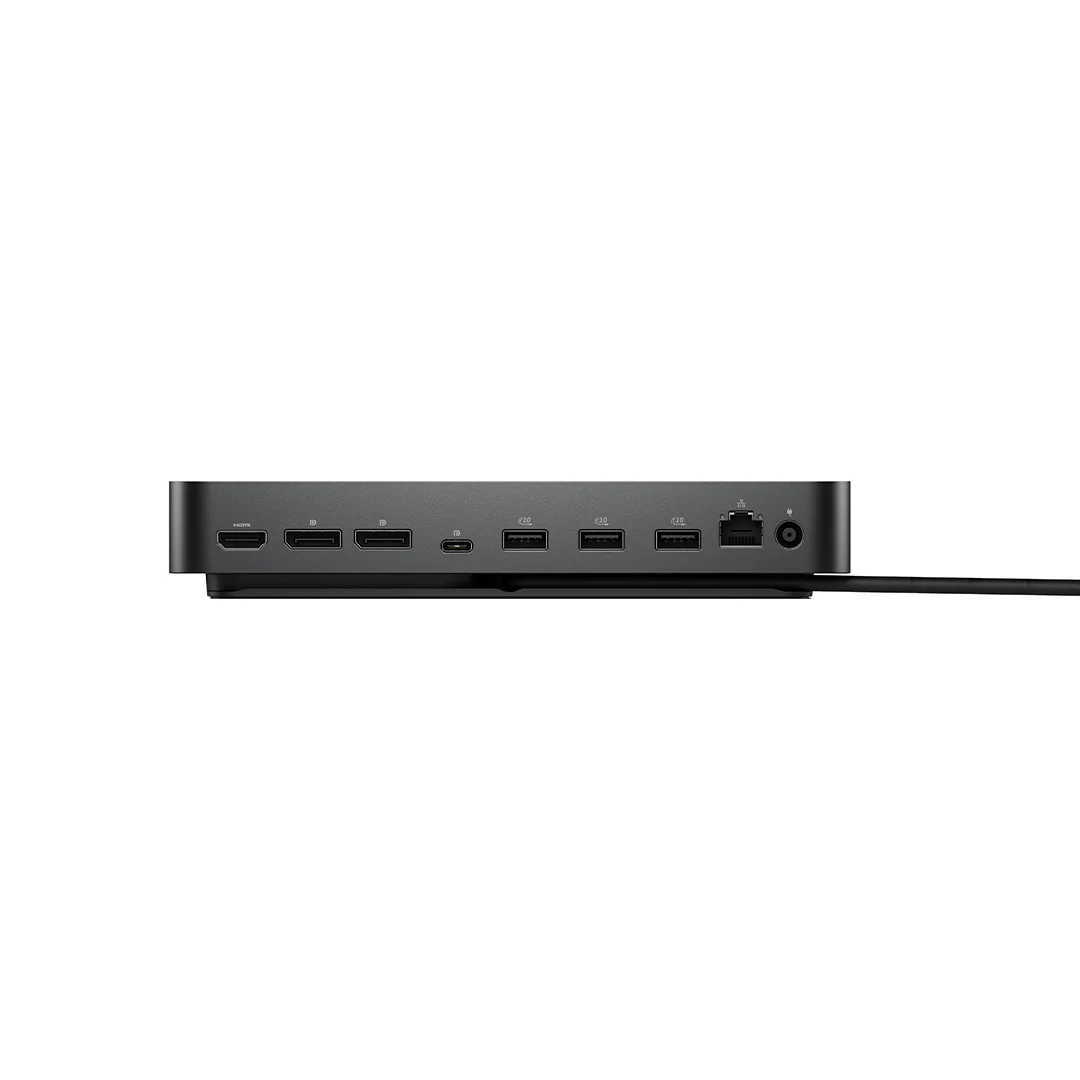
The WD19S features two DisplayPort 1.4 outputs, one HDMI 2.0 port, and a USB-C DisplayPort output, providing flexible display connections for compatible monitors. Display configurations can support resolutions up to 4K at 60Hz, depending on the connected computer’s video bandwidth, graphics capabilities, and supported display configuration.
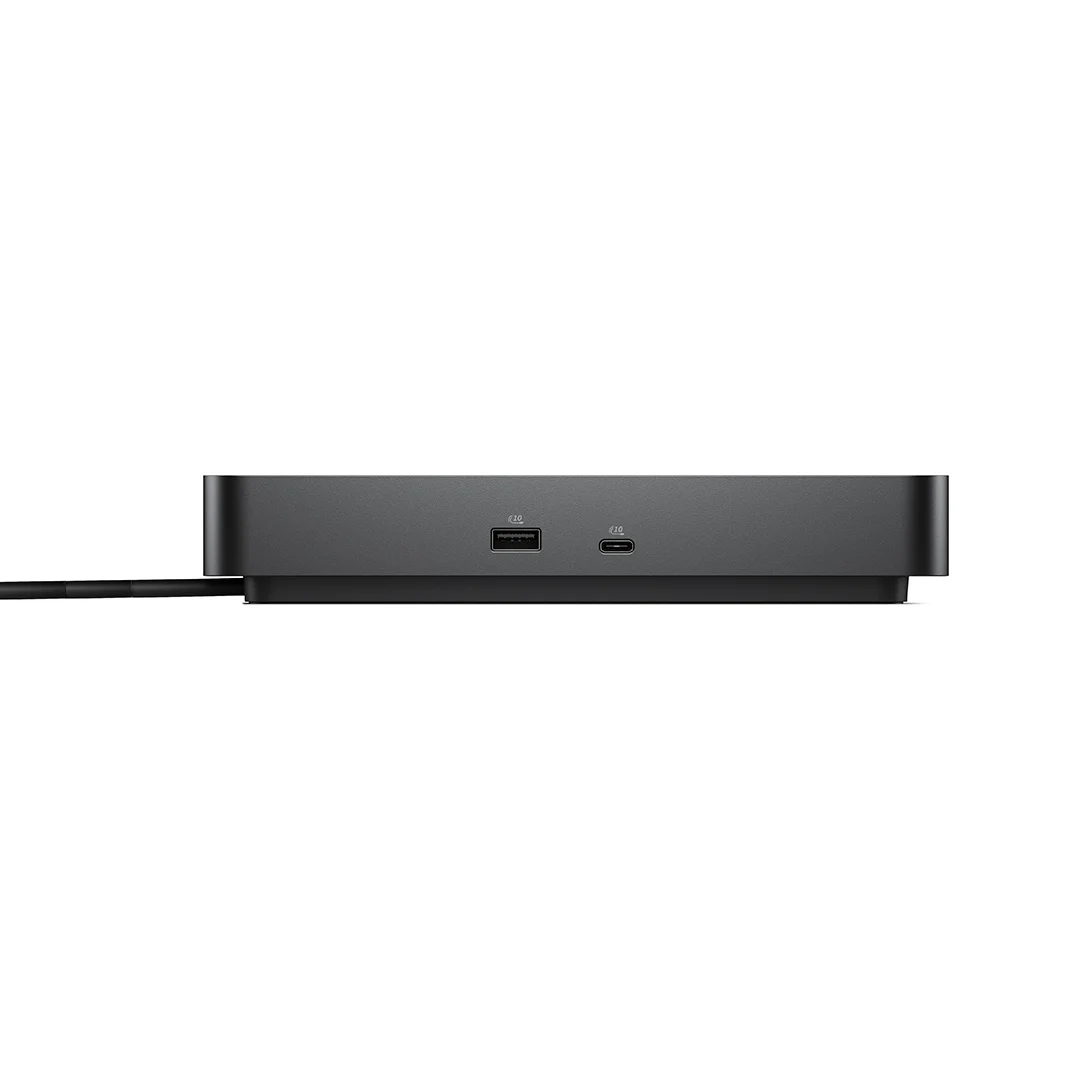
For wired connectivity, the docking station includes three USB-A ports and two USB-C ports, along with a Gigabit Ethernet RJ45 port for reliable wired networking. These connections allow users to attach compatible keyboards, mice, external storage devices, displays, and network equipment through a single docking station.
The included 180W AC power adapter supplies power to the dock and supports laptop power delivery of up to 130W for compatible Dell systems and up to 90W for compatible non-Dell systems. The attached 1-meter USB-C host cable connects the docking station to a compatible laptop.
With its compact form factor and business-oriented management features, the Dell WD19S is suitable for office desks, enterprise workstations, hybrid working environments, and professional multi-monitor setups.
Key Features
- USB-C laptop docking station with an included 180W AC power adapter
- Two DisplayPort 1.4 outputs
- One HDMI 2.0 output
- One USB-C port with DisplayPort functionality
- Three USB-A 3.2 Gen 1 ports
- Two USB-C 3.2 Gen 2 ports, including the display-capable USB-C port
- Gigabit Ethernet RJ45 networking
- Up to 130W laptop power delivery for compatible Dell systems
- Up to 90W power delivery for compatible non-Dell systems
- Supports compatible external display configurations up to 4K at 60Hz
- PXE Boot and Wake-on-LAN support on compatible systems
- MAC address pass-through on supported systems
- Attached 1-meter USB-C cable
- Kensington lock and Noble Wedge lock slots
- Compact desktop design
Buyer Use Case
Best For: Business professionals, office workers, IT departments, and hybrid employees who need to connect a compatible laptop to multiple monitors, wired networking, USB peripherals, and external accessories through one docking station.
The WD19S is particularly suitable for fixed desk setups where users regularly connect and disconnect a laptop while keeping monitors, a keyboard, a mouse, Ethernet networking, and other peripherals connected to the dock.
It is also useful for business environments that require standardized workstation connectivity and supported features such as Wake-on-LAN, PXE Boot, and MAC address pass-through.
Specifications
| Specification | Details |
|---|---|
| Brand | Dell |
| Model | WD19S 180W |
| Product Type | USB-C Laptop Docking Station |
| Docking Interface | USB-C |
| Host Cable | Attached USB-C cable |
| Host Cable Length | 1.0 m |
| Power Adapter | 180W AC adapter |
| DisplayPort Outputs | 2× DisplayPort 1.4 |
| HDMI Output | 1× HDMI 2.0 |
| Display-Capable USB-C | 1× USB-C with DisplayPort 1.4 |
| USB-A Ports | 3× USB 3.2 Gen 1 |
| USB-C Ports | 2× USB-C 3.2 Gen 2, including the display-capable port |
| Ethernet | 1× Gigabit Ethernet RJ45 |
| Maximum Stated Display Resolution | Up to 4K at 60Hz, subject to host capabilities |
| Power Delivery to Compatible Dell Systems | Up to 130W |
| Power Delivery to Compatible Non-Dell Systems | Up to 90W |
| Management Features | PXE Boot, Wake-on-LAN, MAC address pass-through, port disablement |
| Security Slots | Kensington lock slot and Noble Wedge lock slot |
| Supported Operating Systems | Windows 10, Windows 11, Ubuntu 18.04, Red Hat Enterprise Linux, subject to system support |
| Dimensions | 205 × 90 × 29 mm |
| Weight | Approximately 585 g without power adapter |
| Package Contents | WD19S docking station with attached USB-C cable and 180W power adapter |
Important Performance Limitation
Laptop Compatibility: The host computer’s USB-C port must support the required docking and DisplayPort video functions. A USB-C connector that supports data only may not provide external display functionality. Check the laptop manufacturer’s specifications before purchasing.
Display Limitation: Although the dock supports display output up to 4K at 60Hz, the maximum resolution and number of active displays depend on the host computer’s DisplayPort bandwidth, graphics hardware, support for Display Stream Compression (DSC), and connected monitor configuration. A host operating at HBR2 bandwidth may be limited to 4K at 30Hz for a single external display, while supported HBR3 configurations can provide 4K at 60Hz.
Power Limitation: The included power adapter is rated at 180W, but that does not mean 180W is delivered to the laptop. Laptop charging is limited to up to 130W for compatible Dell systems and up to 90W for compatible non-Dell systems. Actual charging behavior depends on host compatibility and power requirements.
USB Port Limitation: The official WD19S 180W specification lists USB 3.2 Gen 1 and Gen 2 ports. It should not be assumed to provide dedicated USB 2.0 ports based on the generic product title.
Display Output Limitation: The HDMI 2.0 and rear USB-C Multi-Function DisplayPort output are toggled for display use in the documented configuration; they cannot both be used as display outputs simultaneously. Available combinations vary with the host system.
Compatibility
The Dell WD19S 180W is designed for compatible USB-C laptops and workstations that support USB-C docking and DisplayPort video output.
Compatible peripherals and equipment may include:
- DisplayPort monitors
- HDMI monitors and televisions
- USB-C displays supporting compatible display input
- USB keyboards and mice
- External USB storage devices
- Printers and other USB peripherals
- Gigabit Ethernet networks
- Compatible Dell laptops and workstations
- Compatible non-Dell laptops with USB-C Power Delivery and DisplayPort support
The computer must support the necessary USB-C video and docking functions to use external displays. Supported power delivery varies between Dell and non-Dell systems.
Be the first to review “DELL Pro Dock WD25 Docking Station (USB-C with 100W Charging Supports 4 Displays / 2xDP 1.4 / HDMI 2.1 / 6xUSB Ports 2.5GbE Ethernet)”
You must be logged in to post a review.
Related products


Docking station


Docking station


Docking station

Docking station
UGREEN 25085EU U709 13-in-1 Revodok Max 40Gbps 60W 8K 30Hz Thunderbolt4 Docking Station (Space Grey)

Adapters | HUBs | Converters
j5create JCD543 USB-C Triple Display Docking Station 13-in-1 -Black


Reviews
There are no reviews yet.