







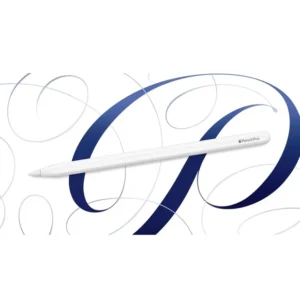
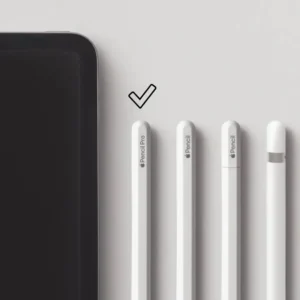
Compatible Apple Pencil Pro A2538 (White)
1,450 EGP
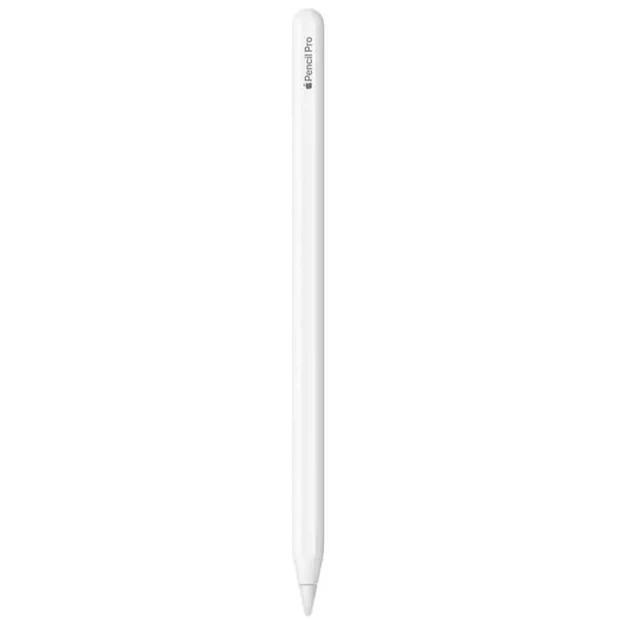
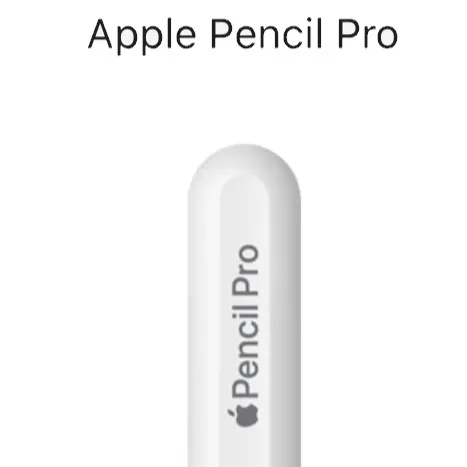
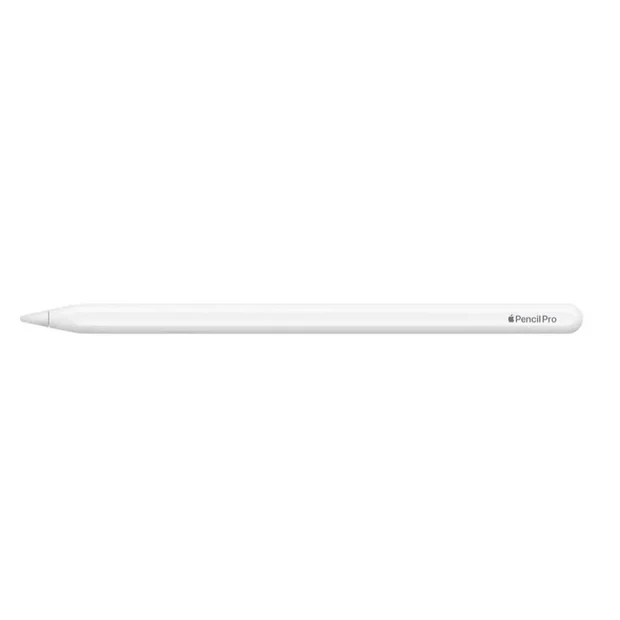
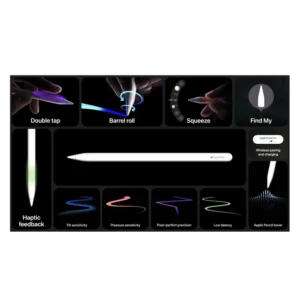
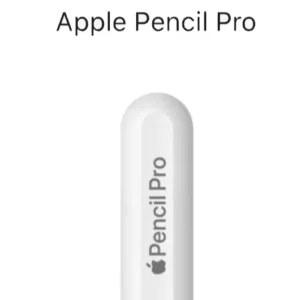
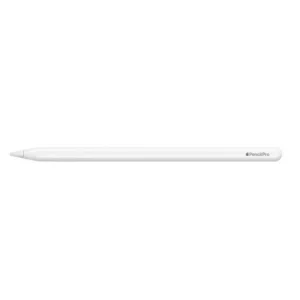
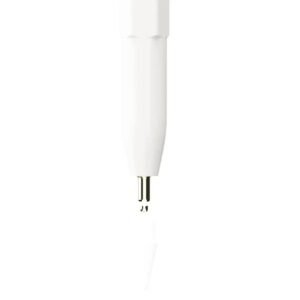
Apple Pencil Pro A2538 delivers precise writing, drawing, and annotation on compatible iPads. Featuring pressure and tilt sensitivity, squeeze controls, barrel roll, haptic feedback, and magnetic pairing and charging, this white stylus is designed for digital creativity, note-taking, and productivity.
In stock
Apple Pencil Pro A2538 is a precision stylus designed for compatible iPad models, offering advanced control for digital drawing, handwriting, note-taking, and document annotation. Its pressure and tilt sensitivity help artists create expressive strokes, while its responsive input makes writing and sketching feel natural.
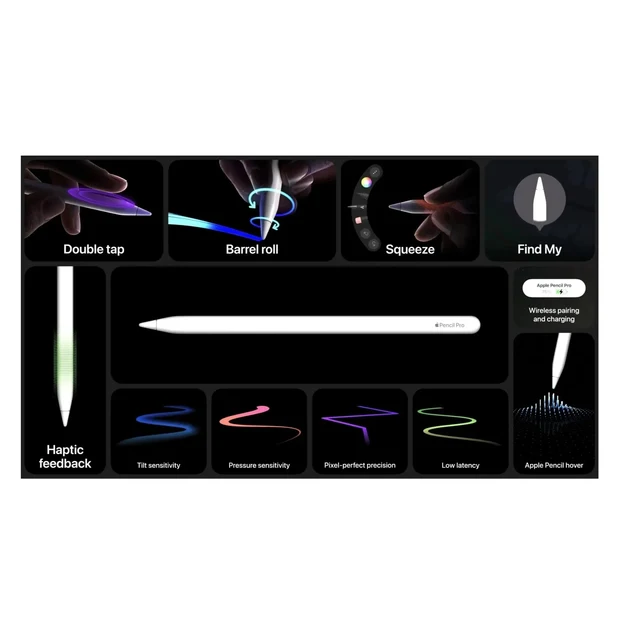
Apple Pencil Pro introduces intuitive controls, including squeeze gestures for opening tool palettes, barrel roll for controlling shaped pens and brushes, and haptic feedback to confirm supported actions. A double-tap gesture also lets users switch between compatible tools quickly.
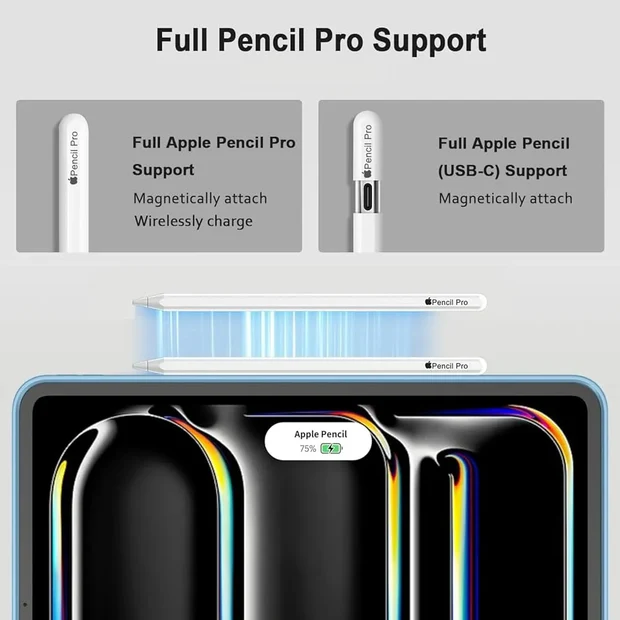
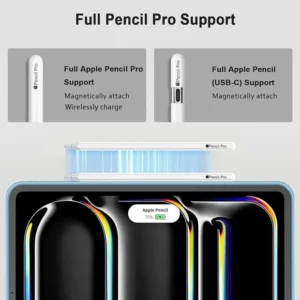
The stylus attaches magnetically to supported iPads for pairing and charging. Apple Pencil Pro also supports the Find My app, helping users locate it when misplaced. Its lightweight white design makes it suitable for everyday study, creative work, and professional productivity.
Key Features
- Precision Writing and Drawing: Supports detailed handwriting, sketching, illustration, and document annotation.
- Pressure and Tilt Sensitivity: Allows compatible apps to vary strokes according to pressure and stylus angle.
- Squeeze Gesture: Opens a tool palette in supported apps for convenient tool selection.
- Barrel Roll: Rotates compatible shaped pens and brushes for precise control.
- Haptic Feedback: Provides tactile confirmation for supported gestures.
- Double-Tap Control: Switches between supported tools with a double tap.
- Apple Pencil Hover: Previews the approximate position of the stylus on compatible iPads that support hover.
- Magnetic Attachment and Charging: Attaches to compatible iPads for magnetic pairing and charging.
- Find My Support: Helps locate the stylus through Apple’s Find My app.
- Bluetooth Connectivity: Supports wireless communication with compatible iPads.
- Lightweight Design: Weighs approximately 19.15g for comfortable everyday use.
Buyer Use Case
Apple Pencil Pro A2538 is ideal for digital artists, designers, students, educators, and professionals who use a compatible iPad for creative work or productivity.
Artists can use pressure sensitivity, tilt, and barrel roll for more expressive drawing and brush control. Students can write handwritten notes, annotate documents, and organize study materials, while professionals can mark up PDFs, sketch concepts, and work with supported creative applications.
The squeeze and double-tap gestures can speed up workflows by reducing the need to navigate menus. Magnetic attachment and charging also make the stylus convenient to store alongside a compatible iPad.
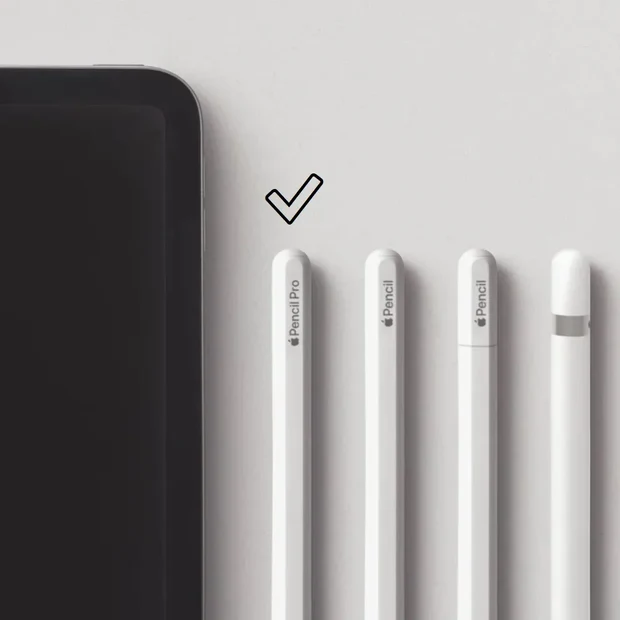
Important: Apple Pencil Pro works only with specific iPad models. Check your exact iPad model before purchasing because physical attachment or a similar iPad design does not guarantee compatibility.
Specifications
| Specification | Details |
|---|---|
| Brand | Apple |
| Product Name | Apple Pencil Pro |
| Model Number | A2538 |
| Product Type | Precision Stylus |
| Color | White |
| Connectivity | Bluetooth |
| Attachment | Magnetic |
| Pairing | Magnetic pairing with compatible iPads |
| Charging | Magnetic charging with compatible iPads |
| Pressure Sensitivity | Supported |
| Tilt Sensitivity | Supported |
| Squeeze Gesture | Supported |
| Barrel Roll | Supported |
| Haptic Feedback | Supported |
| Double-Tap Gesture | Supported |
| Apple Pencil Hover | Supported on selected compatible iPads |
| Find My | Supported |
| Length | 166mm |
| Diameter | 8.9mm |
| Weight | Approximately 19.15g |
| Minimum Operating System | iPadOS 17.5 |
Compatibility
Apple Pencil Pro A2538 requires a compatible iPad running iPadOS 17.5 or later. Supported models include:
- iPad Pro 11-inch: M4 and M5 models.
- iPad Pro 13-inch: M4 and M5 models.
- iPad Air 11-inch: M2, M3, and M4 models.
- iPad Air 13-inch: M2, M3, and M4 models.
- iPad mini: iPad mini with A17 Pro.
The Apple Pencil Pro is not compatible with every iPad that supports another Apple Pencil model. Older iPad Pro, iPad Air, and standard iPad models may require a different Apple Pencil version.
Hover functionality also depends on the specific iPad model. Check Apple’s official compatibility information to confirm support before purchasing.
What’s in the Box
- 1 × Apple Pencil Pro A2538 (White).
A separate charging cable or power adapter is not included as the stylus charges magnetically when attached to a compatible iPad.
FAQ
1. Which iPads are compatible with Apple Pencil Pro A2538?
It works with compatible iPad Pro M4 and M5 models, iPad Air M2, M3, and M4 models, and iPad mini with A17 Pro, running iPadOS 17.5 or later.
2. Does Apple Pencil Pro support pressure sensitivity and tilt?
Yes. It supports pressure and tilt sensitivity, along with squeeze, barrel roll, haptic feedback, and double-tap controls in supported applications.
3. How does Apple Pencil Pro charge?
It attaches magnetically to the side of a compatible iPad, where it pairs and charges. A separate charging cable is not required for normal magnetic charging.
Be the first to review “Compatible Apple Pencil Pro A2538 (White)”
You must be logged in to post a review.
Related products


Stylus Pen
Stylus Pen


Stylus Pen
Reviews
There are no reviews yet.